
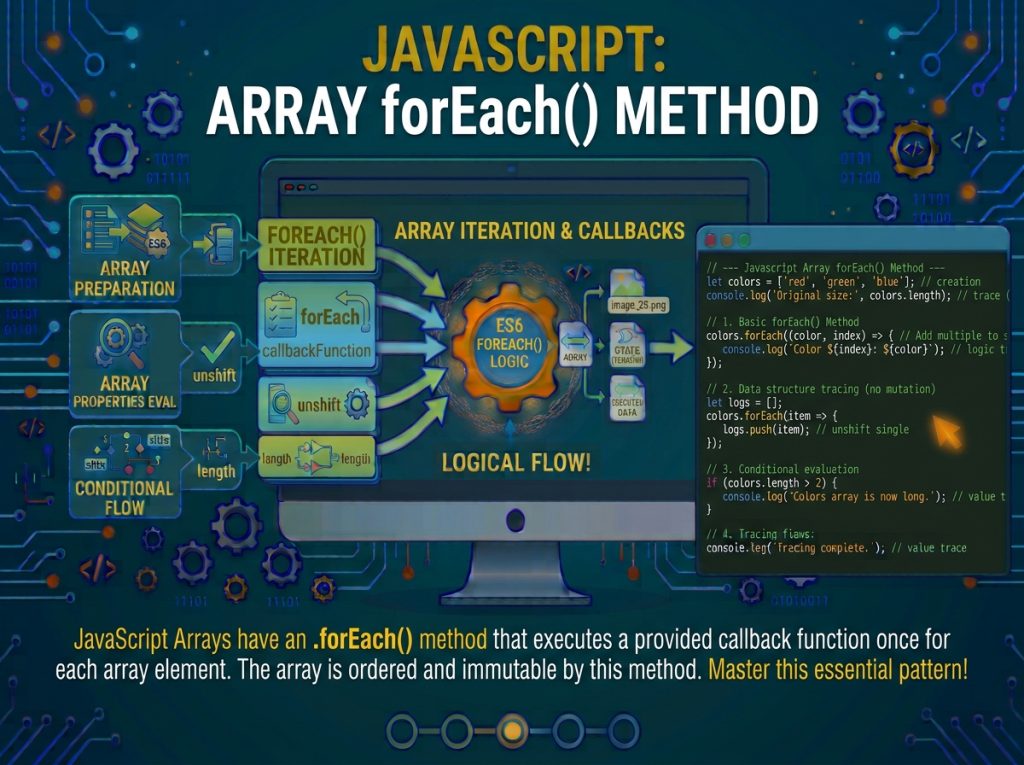
JavaScript Array forEach() Method is a built-in JavaScript array method used to execute a function once for each element in an array. It provides a clean and readable way to loop through array values without manually managing an index or writing a traditional for loop. The callback function can access the current element, its index, and the original array, making forEach() useful for displaying data, updating external variables, performing calculations, and handling lists of objects.
Syntax of JavaScript forEach() Method
The forEach() method uses a callback function that runs for each element in the array.
Syntax:
array.forEach(function(currentValue, index, arr) {
    // Code to execute for each element
});
You can also use an arrow function:
array.forEach((currentValue, index, arr) => {
    // Code to execute for each element
});
Parameters:
currentValue: Required. The current element being processed in the array.index: Optional. The index of the current element.arr: Optional. The original array on whichforEach()was called.thisArg: Optional. A value used asthiswhen executing a regular callback function.
The callback function is required. The index and arr parameters are optional, so you only need to include the arguments your operation requires.
Basic Example of forEach() Method
The following example demonstrates how to use forEach() to display every element in an array.
const fruits = ["Apple", "Banana", "Mango", "Orange"];

fruits.forEach(function(fruit) {
    console.log(fruit);
});
Output:
Apple
Banana
Mango
Orange
In this example, the forEach() method executes the callback function once for each element in the fruits array. The fruit parameter receives the current value during each iteration.
First, it receives "Apple", then "Banana", followed by "Mango" and "Orange". Each value is printed to the console.
The Side-Effect Contract: When to Use forEach()
forEach() is appropriate only when the goal is a side effect. Common valid use cases:
-
Logging
-
Writing to the DOM
-
Sending network requests
-
Updating external state (a counter, a database, a cache)
-
Mutating objects held in the array
If you find yourself building a new array inside the callback, you almost certainly want map() or filter(). If you find yourself summing values, you almost certainly want reduce().
// Correct: side effect (logging)
const users = [{ name: "Alice" }, { name: "Bob" }];
users.forEach(u => console.log(u.name));

// WRONG: building an array (use map instead)
const names = [];
users.forEach(u => names.push(u.name));   // Works, but map() is idiomatic

// CORRECT: same intent, clearer
const names2 = users.map(u => u.name);

// WRONG: summing (use reduce instead)
let total = 0;
[1, 2, 3, 4].forEach(n => total += n);    // Works, but reduce() is idiomatic

// CORRECT: same intent, clearer
const total2 = [1, 2, 3, 4].reduce((a, b) => a + b, 0);
Accessing the Array Index Using forEach()
The callback function can receive an optional second parameter called index. It represents the current element’s position in the array.
Array indexes start at 0, so the first element has index 0, the second has index 1, and so on.
Example:
const fruits = ["Apple", "Banana", "Mango"];

fruits.forEach((fruit, index) => {
    console.log(index + ": " + fruit);
});
Output:
0: Apple
1: Banana
2: Mango
In this example, the index parameter identifies the position of each fruit. Adding 1 to the index can be useful when displaying a human-friendly list starting from number one.
Immutability and Mutating the Array in the Callback
forEach() does not mutate the array by itself, but nothing prevents the callback from doing so. Mutating the array inside the callback is a common source of bugs:
// Anti-pattern: mutation during iteration
const arr = [1, 2, 3, 4];
arr.forEach((n, i) => {
  if (n === 2) arr.splice(i, 1);   // Removing shifts the next element past the callback
});
console.log(arr);   // [1, 3, 4] (3 was skipped!)

// Safer: iterate backward, or use filter for removal
const arr2 = [1, 2, 3, 4];
for (let i = arr2.length - 1; i >= 0; i--) {
  if (arr2[i] === 2) arr2.splice(i, 1);
}
console.log(arr2);   // [1, 3, 4]

const arr3 = [1, 2, 3, 4].filter(n => n !== 2);
console.log(arr3);   // [1, 3, 4]
Performance Characteristics
forEach() runs in O(n) time and visits every non-hole element. Because it cannot short-circuit and does not allocate a result array, its per-element cost is lower than map() or filter(), but it is still slower than a manual for loop due to callback invocation overhead.
const big = new Array(1_000_000).fill(0);

const t1 = performance.now();
big.forEach(x => { /* noop */ });
console.log(performance.now() - t1);

const t2 = performance.now();
for (let i = 0; i < big.length; i++) { /* noop */ }
console.log(performance.now() - t2);
Using forEach() with Arrow Functions
JavaScript arrow functions provide a shorter way to write callback functions. You can use them with forEach() to make array iteration more concise.
Example:
const numbers = [10, 20, 30, 40];

numbers.forEach(number => {
    console.log(number);
});
Output:
10
20
30
40
The arrow function receives each array element through the number parameter. The callback is executed four times because the array contains four elements.
For a single expression, you can omit the curly braces:
const numbers = [5, 10, 15];

numbers.forEach(number => console.log(number));
This approach is useful when the callback contains only one short statement.
forEach() vs for Loop
A plain for loop is typically 1.5×–3× faster than forEach() for large arrays because it avoids per-element callback invocation and closure overhead. For most application code, this difference is negligible; for hot paths identified by profiling, consider switching to a manual loop.
// Faster: no callback overhead, break-able
for (let i = 0; i < big.length; i++) {
  if (big[i] === target) break;
}

// Slower (typically): callback per element, no break
big.forEach(x => { /* ... */ });
Using forEach() to Modify Array Elements
The forEach() method does not automatically create a modified array. However, you can use its callback to update an existing array.
Example:
const numbers = [1, 2, 3, 4];

numbers.forEach((number, index, arr) => {
    arr[index] = number * 2;
});

console.log(numbers);
Output:
[2, 4, 6, 8]In this example, the callback receives the current element and its index. The original array is accessed through arr, and each element is replaced with its doubled value.
Although this works, map() is generally a better choice when you want to create a new array containing transformed values.
forEach() vs for...of
for...of is a middle ground: it uses the iterator protocol (so it works with any iterable), supports break/continue, and is often optimized to be nearly as fast as a manual for loop for arrays. For side-effect iteration over an array where you might need to break, for...of is often the better choice:
// for...of supports break and works on any iterable
for (const x of big) {
  if (x === target) break;
  // ...
}

// forEach cannot break
big.forEach(x => {
  // no way to exit early
});
Stopping or Skipping Iteration
The forEach() method does not provide a built-in mechanism to stop or skip iterations using break or continue.
For example, the following code is invalid:
const numbers = [10, 20, 30, 40];

numbers.forEach(number => {
    if (number === 30) {
        break;
    }

    console.log(number);
});
This produces a syntax error because break cannot be used to terminate the surrounding forEach() iteration from inside its callback.
If you need to stop when a condition is satisfied, use a for...of loop:
const numbers = [10, 20, 30, 40];

for (const number of numbers) {
    if (number === 30) {
        break;
    }

    console.log(number);
}
Output:
10
20
For checking whether at least one element satisfies a condition, the some() method can also be a suitable alternative.