
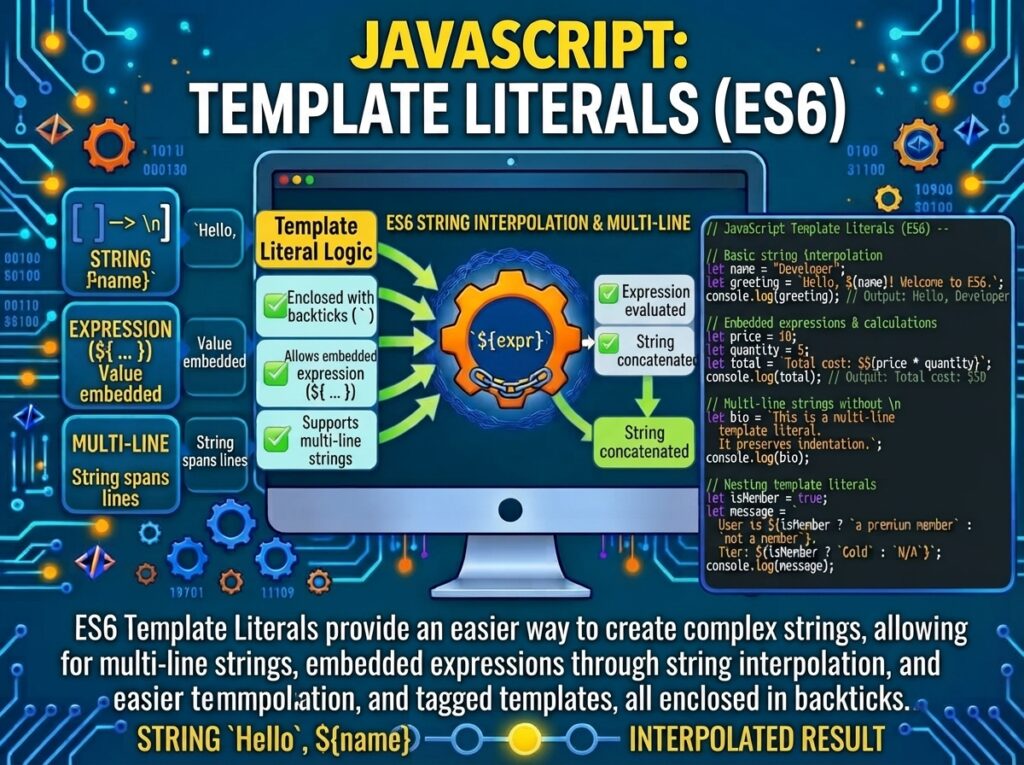
Introduction to JavaScript Template Literals
JavaScript Template Literals are string literals delimited by backtick (`) characters instead of single or double quotes . They can contain plain text, placeholders for embedded expressions (${expression}), and even span multiple lines without escape sequences. When no custom tag function is applied, the default behavior is string interpolation: each placeholder is evaluated, coerced to a string, and concatenated with the surrounding text .
The feature has been Baseline Widely Available across all major browsers since September 2015, meaning no polyfill or transpilation is required in any modern environment .
const name = "Alice";
const greeting = `Hello, ${name}!`;
console.log(greeting);   // "Hello, Alice!"
Syntax and the Three Core Capabilities
Template literals provide three distinct capabilities that traditional strings cannot match.
Capability 1: String Interpolation
Placeholders of the form ${expression} embed the result of any JavaScript expression directly into the string. This eliminates the + concatenation operator and dramatically improves readability, especially with multiple embedded values .
const a = 5;
const b = 10;

// Traditional concatenation: hard to read
const oldWay = "Fifteen is " + (a + b) + " and\nnot " + (2 * a + b) + ".";

// Template literal: clear and direct
const newWay = `Fifteen is ${a + b} and
not ${2 * a + b}.`;

console.log(newWay);
// "Fifteen is 15 and
// not 20."
A subtle but important difference exists between the two approaches: template literals coerce their expressions directly to strings, while the + operator coerces operands to primitives first . This distinction rarely matters for primitives but can affect objects with custom valueOf or toString methods.
Capability 2: Multi-Line Strings
Any newline character inserted in the source code becomes part of the template literal. There is no need for \n escape sequences or line-continuation backslashes .
// Traditional string: requires \n
const oldMultiline = "Line 1\nLine 2\nLine 3";

// Template literal: natural line breaks
const newMultiline = `Line 1
Line 2
Line 3`;

console.log(newMultiline);
// Line 1
// Line 2
// Line 3
For source-code readability, a single-line string can be split across multiple lines by escaping the newline with a backslash (\), which prevents the newline from appearing in the output :
const singleLine = `This is one \
continuous line.`;
console.log(singleLine);   // "This is one continuous line."
Capability 3: Tagged Templates
Tagged templates are the most advanced and powerful feature. A tag function precedes the template literal, receiving the string parts and the evaluated expressions as separate arguments, and returning whatever value it chooses—not necessarily a string .
function myTag(strings, personExp, ageExp) {
  const str0 = strings[0];   // "That "
  const str1 = strings[1];   // " is a "
  const str2 = strings[2];   // "."

  const ageStr = ageExp > 99 ? "centenarian" : "youngster";
  return `${str0}${personExp}${str1}${ageStr}${str2}`;
}

const person = "Mike";
const age = 28;
const output = myTag`That ${person} is a ${age}.`;
console.log(output);   // "That Mike is a youngster."
The Expression Arguments
The remaining arguments are the evaluated values of the placeholders, in order. For a template with two placeholders, the tag function is called with three arguments: the strings array and two expression values.
function inspect(strings, ...values) {
  console.log("Strings:", strings);
  console.log("Values:", values);
  return "done";
}

inspect`a${1}b${2}c`;
// Strings: ["a", "b", "c"] (with raw property)
// Values: [1, 2]
The Tag Can Be Any Expression
The tag does not have to be a plain identifier. Any expression with precedence higher than 16 can serve as a tag, including property access, function calls, new expressions, and even nested tagged templates :
console.log`Hello`;   // Logs: ["Hello"]

function recursive(strings, ...values) {
  console.log(strings, values);
  return recursive;
}
recursive`Hello``World`;
// ["Hello"] []
// ["World"] []
The Optional Chaining Restriction
A critical syntax rule: tagged templates cannot be used with optional chaining (?.). Both of the following throw a SyntaxError :
// SyntaxError: Invalid tagged template on optional chain
String?.raw`Hello`;
console?.log`Hello`;
This restriction exists because the expected behavior is ambiguous: should the entire tagged template evaluate to undefined (short-circuiting), or should it throw because the tag is unavailable? The specification chose to forbid the combination. The workaround is to use explicit conditionals .
const result = String.raw === null || String.raw === undefined
  ? undefined
  : String.raw`Hello`;
String.raw(): The Built-in Raw Tag
String.raw() is the only built-in template literal tag. It returns the raw string form of the template, meaning escape sequences like \n are not processed—they appear literally as backslash followed by the character .
const raw = String.raw`C:\Users\new\table`;
console.log(raw);   // "C:\Users\new\table" (backslashes preserved)

const cooked = `C:\Users\new\table`;
console.log(cooked);   // "C:\Users\new\table" but \n and \t are escape sequences!
This is invaluable for Windows file paths, regular expressions with backslash escapes, and any context where literal backslashes must be preserved. A common pattern combines String.raw with the RegExp constructor to build regexes with dynamic parts without double-escaping :
const pattern = String.raw`\d{4}-\d{2}-\d{2}`;
const dateRegex = new RegExp(pattern);
console.log(dateRegex.test("2026-11-08"));   // true
The raw Property on Tagged Template Strings
When a tag function is used, the strings array it receives has a raw property whose value is an array-like object of the raw string segments. This allows the tag function to access both the cooked (escape-processed) and raw versions of the same template .
function debug(strings) {
  console.log("Cooked:", strings[0]);
  console.log("Raw:", strings.raw[0]);
}

debug`line1\nline2`;
// Cooked: line1
// line2
// Raw: line1\nline2
Nesting Template Literals
Nesting templates is legal and often the cleanest way to build conditional, configurable strings. Inner backticks are permitted inside ${} placeholders because the parser is already inside an expression context :
const isLargeScreen = () => true;
const item = { isCollapsed: false };

const classes = `header ${
  isLargeScreen() ? "" : `icon-${item.isCollapsed ? "expander" : "collapser"}`
}`;
console.log(classes);   // "header "
Building an Identity Tag
Tools like GraphQL and lit-html use tags purely for syntax highlighting and static analysis. A true identity tag returns the cooked strings concatenated with substitutions, exactly matching untagged behavior. String.raw is not a true identity tag because it bypasses escape processing :
function identity(strings, ...values) {
  return String.raw({ raw: strings }, ...values);
}

const original = `Hello\n${"world"}`;
const identical = identity`Hello\n${"world"}`;
console.log(original === identical);   // true
Tagged Templates for DSLs and Sanitization
The strings-versus-values separation in tagged templates enables powerful security and DSL patterns. Libraries can distinguish static template parts (which are trusted, developer-authored strings) from dynamic values (which may come from untrusted input), enabling context-aware escaping :
function safeHtml(strings, ...values) { const escaped = values.map(v => String(v).replace(/[&<>"']/g, ch => ({ "&": "&", "<": "<", ">": ">", '"': """, "'": "'" }[ch])) ); return strings.reduce((result, str, i) => result + str + (escaped[i] || ""), ""); } const userInput = '<script>alert("xss")</script>'; console.log(safeHtml`<div>${userInput}</div>`); // "<div><script>alert("xss")</script></div>"
The Template Object Cache
Per the specification, each template literal site in source code is associated with a single, frozen template object that is reused every time the tagged template is evaluated. This means tag\a`andtag`a“ at the same source location share the same strings array reference .
function tag(strings) { return strings; }
const first = tag`hello`;
const second = tag`hello`;
console.log(first === second);   // true (same template object)
This identity guarantee is what makes tagged templates viable for memoization in rendering libraries—the static parts can be cached and compared by reference.