

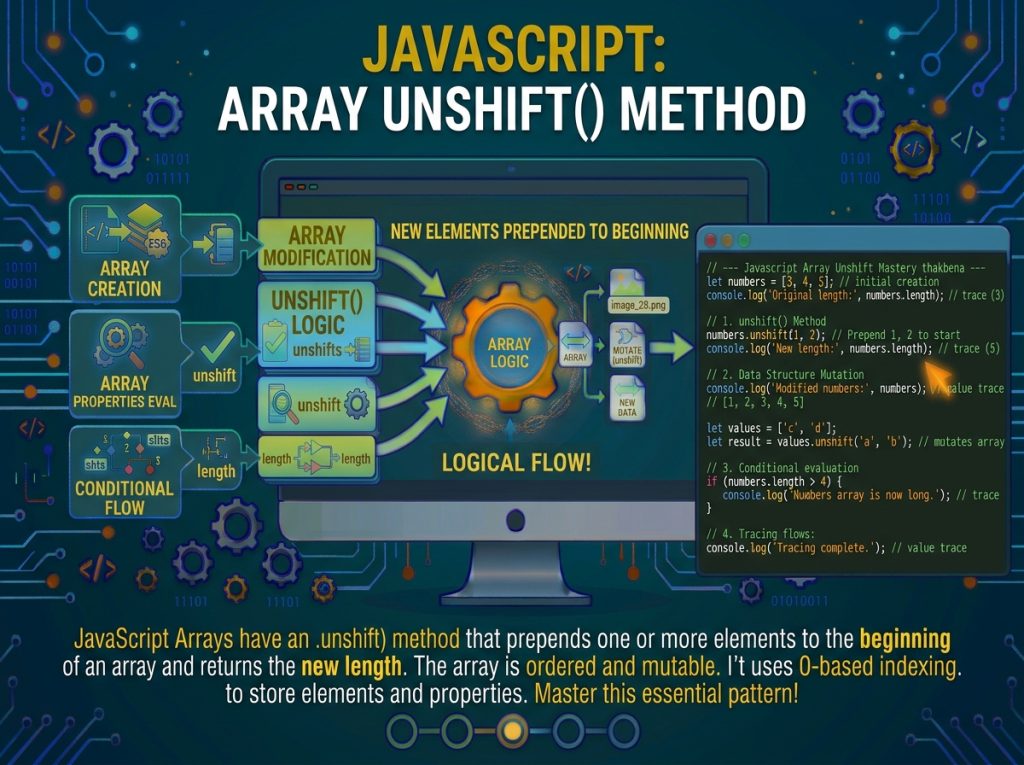
The JavaScript Array unshift() Method is a built-in JavaScript array method used to add one or more elements to the beginning of an array. It modifies the original array by inserting the new elements at index 0 and shifting the existing elements to higher indexes. The unshift() method returns the new length of the array, making it useful for managing dynamic collections, updating lists, and implementing data structures. In this tutorial, you will learn its syntax, return value, practical examples, how it works with different data types, and its differences from other JavaScript array methods.
Syntax and Formal Specification
The method signature is unshift(element1, element2, ..., elementN). It accepts zero or more arguments, inserts them at the front in the exact order provided, and returns the new length.
const fruits = ["cherry", "date"];
const newLength = fruits.unshift("apple", "banana");
console.log(fruits);       // ["apple", "banana", "cherry", "date"]
console.log(newLength);    // 4
Parameters
-
element1, ..., elementN— Zero or more values of any type. Each argument is inserted as its own element at the front, preserving the argument order. -
No fixed arity —
unshift()accepts any number of arguments, including none.
const arr = [1, 2, 3];
console.log(arr.unshift());   // 3 (no change, returns length)
console.log(arr);             // [1, 2, 3]
Return Value
An integer equal to the new length of the array. Because it returns a number, unshift() is not chainable with other array methods.
const list = [];
list.unshift("first");         // 1
list.unshift("a", "b");        // 3
console.log(list);             // ["a", "b", "first"]
The Generic Algorithm
Like push() and pop(), unshift() is generic. It operates on any object with a numeric length and integer-indexed properties. The specification algorithm, in simplified form:
-
Let
Obe the object on whichunshift()is invoked (this). -
Convert
O.lengthto an integerlen. -
Let
argCountbe the number of provided arguments. -
If
argCount > 0:-
If
len + argCount > Number.MAX_SAFE_INTEGER, throw aTypeError. -
Move existing elements from the end to make room: for
kfromlen - 1down to0, copyO[k]toO[k + argCount]. -
Assign the new arguments to indices
0throughargCount - 1.
-
-
Set
O.length = len + argCount. -
Return the new length.
The backward shift loop is the reason unshift() is expensive: every existing element moves by argCount positions.
const arrayLike = { 0: "a", 1: "b", length: 2 };
const newLen = Array.prototype.unshift.call(arrayLike, "x", "y");

console.log(newLen);           // 4
console.log(arrayLike[0]);     // "x"
console.log(arrayLike[1]);     // "y"
console.log(arrayLike[2]);     // "a"
console.log(arrayLike[3]);     // "b"
console.log(arrayLike.length); // 4
Strings cannot be used as this because they are immutable; assignments to indexed properties fail or throw in strict mode.
"use strict";
try {
  Array.prototype.unshift.call("abc", "z");
} catch (e) {
  console.log(e.constructor.name);   // "TypeError"
}
Performance: O(n) Prepend and the Quadratic Trap
unshift() runs in O(n) time per call because every existing element must be shifted one or more positions to the right to make room at the front. Iterating unshift() in a loop produces O(n²) behavior—a quadratic trap that silently degrades performance on large arrays.
// Slow: O(n) per call, O(n^2) overall
const slow = [];
for (let i = 0; i < 100000; i++) {
  slow.unshift(i);
}

// Fast: O(1) amortized per call
const fast = [];
for (let i = 0; i < 100000; i++) {
  fast.push(i);
}
fast.reverse();   // O(n), still faster than repeated unshift
The difference is dramatic at scale. For 100,000 elements, the unshift() loop performs roughly 5 billion internal assignments cumulatively, while push() + reverse() performs roughly 200,000 total operations. Engines cannot optimize away this cost because the shifting is observable.
unshift() with Spread Syntax
Spread works with unshift() to prepend elements from another array:
const target = [4, 5, 6];
const source = [1, 2, 3];
target.unshift(...source);
console.log(target);   // [1, 2, 3, 4, 5, 6]
The same argument-count limit applies: spreading a very large array into unshift() throws a RangeError because of the maximum argument count that engines permit.
const huge = new Array(200000).fill(0);
const target = [];
// target.unshift(...huge);   // RangeError: Maximum call stack size exceeded
For large prepend operations, use concat:
const result = huge.concat(target);
console.log(result.length);   // 200000
Distinguishing unshift() from push(), concat(), and splice()
-
unshift()— Mutates. Prepends arguments as individual elements. O(n). -
push()— Mutates. Appends arguments as individual elements. O(1) amortized. -
concat()— Returns new array. Flattens array arguments one level. O(n + m). -
splice(0, 0, ...items)— Mutates. Prepends; O(n) with higher constant factors thanunshift.
const base = [3, 4];

const a = base.slice();
a.unshift(1, 2);
console.log(a);           // [1, 2, 3, 4]
console.log(base);        // [3, 4]

const b = base.slice();
b.push(5, 6);
console.log(b);           // [3, 4, 5, 6]

const c = [1, 2].concat(base);
console.log(c);           // [1, 2, 3, 4]
console.log(base);        // [3, 4]

const d = base.slice();
d.splice(0, 0, 1, 2);
console.log(d);           // [1, 2, 3, 4]
For pure prepend, unshift() is faster than splice(0, 0, ...) because splice engages the general-purpose insertion algorithm.
Building a Newest-First Log with JavaScript unshift()
The JavaScript unshift() method is particularly useful when you need to maintain a log in which the newest entry always appears at the beginning of an array. This pattern is commonly used in activity feeds, notification lists, chat histories, audit trails, and change journals.
When a new event occurs, unshift() inserts the event at index 0. All existing elements move to higher indexes, ensuring that the latest activity appears first.
Example: Creating a Newest-First Activity Log
const activityLog = [];

function record(event) {
    activityLog.unshift({
        event: event,
        timestamp: Date.now()
    });

    // Keep only the latest 100 entries
    if (activityLog.length > 100) {
        activityLog.pop();
    }

    return activityLog.length;
}

record("login");
record("view-page");
record("update-profile");

console.log(activityLog.map(item => item.event));
Output:
["update-profile", "view-page", "login"]How This Code Works
1. Initializing the activity log
const activityLog = [];An empty array stores all activity records. Each record will contain an event name and a timestamp.
2. Creating the record() function
function record(event) {
    // Add a new activity
}
The record() function accepts an event name whenever a new activity occurs.
3. Inserting the newest event
activityLog.unshift({
    event: event,
    timestamp: Date.now()
});
The unshift() method inserts a new object at the beginning of the array.
Each object contains:
event: The name or description of the activity.timestamp: The time when the activity was recorded, represented as milliseconds since the Unix epoch.
Because the new record is inserted at index 0, the newest activity always appears first.
4. Limiting the log size
if (activityLog.length > 100) {
    activityLog.pop();
}
This condition prevents the activity log from growing indefinitely.
When the array contains more than 100 entries, pop() removes the last entry, which is the oldest activity in this newest-first arrangement.
This creates a bounded history that keeps only the latest 100 records.
5. Returning the current log size
return activityLog.length;The function returns the number of records currently stored in the activity log.
6. Displaying activities
console.log(activityLog.map(item => item.event));The map() method extracts the event names from the activity objects and creates a new array for display.
The output shows the most recent event first.
unshift() on Frozen and Sealed Arrays
Frozen arrays reject unshift() with a TypeError in strict mode. Sealed arrays accept element prepends because sealing prevents adding new properties but permits modifying existing ones; however, since unshift() adds elements at new indices, sealed arrays also reject unshift() when the array is at capacity:
"use strict";

const frozen = Object.freeze([1, 2, 3]);
try {
  frozen.unshift(0);
} catch (e) {
  console.log(e.constructor.name);   // "TypeError"
}

const sealed = Object.seal([1, 2, 3]);
try {
  sealed.unshift(0);
} catch (e) {
  console.log(e.constructor.name);   // "TypeError"
}
